

True CV optimisation isn't about stuffing your document with buzzwords; it's about translating your experience into a language that both algorithms and humans understand. While old-school tactics relied on exact matches, modern Applicant Tracking Systems (ATS) now crave context-meaning the difference between a rejection and an interview often lies in how you tell your story, not just which words you use.
The Evolution of ATS: From Keyword Counting to Semantic Search
To defeat the "CV robot," you first have to understand what it's actually looking for. The technology driving recruitment has shifted dramatically in the last decade, moving from simple text matching to complex understanding. This shift explains why most CVs are invisible to recruiters today, even when the candidate is qualified.
How Old ATS Worked (The "Exact Match" Era)
In the early days of digital recruitment, ATS CV scanners were blunt instruments. They functioned like basic search engines: if the job description asked for "Project Management" and your CV said "Managed Projects," you might get a low score. This rigidity forced job seekers into a corner, encouraging them to copy-paste phrases verbatim just to pass the initial filter. The result? CVs that read like shopping lists-robotic, disjointed, and painful for human recruiters to actually read.
How Modern Semantic Search Works (Context is King)
Today's systems are far more sophisticated. Powered by AI and Natural Language Processing (NLP), modern CV optimisation tools and ATS platforms use semantic search. They understand intent and relationship.
For example, a modern system knows that "Adobe Photoshop," "graphic design," and "visual composition" are semantically linked. It understands that "Java" the coding language is different from "Java" the island or the coffee, based entirely on the surrounding words in your document. This means you no longer need to sound like a parrot. Instead, you need to provide context-proving not just that you know a word, but that you understand how to apply the skill it represents.
Keywords vs. Context: Balancing CV Optimisation
The biggest mistake candidates make in 2026 is treating keywords as a checklist rather than a narrative element. Optimising your CV requires balancing the hard technical terms the machine wants with the coherent story the hiring manager needs.
What Are "CV Keywords" Really?
In the eyes of an applicant tracking system, keywords aren't just buzzwords. They fall into three main categories:
- Hard Skills: Specific tools, languages, or certifications (e.g., Python, Salesforce, CPA).
- Job Titles: Standardized roles that align with the opening (e.g., Senior Marketer vs. Marketing Ninja).
- Soft Skills: Traits that define how you work, often found in the "Qualifications" section (e.g., Leadership, Collaboration).
Adding Context: The "How" and "Result"
Merely listing these words in a "Skills" block at the bottom of your page is the bare minimum. To truly tailor your CV to any job description, you must weave them into your work history using the Skill + Action + Result formula.
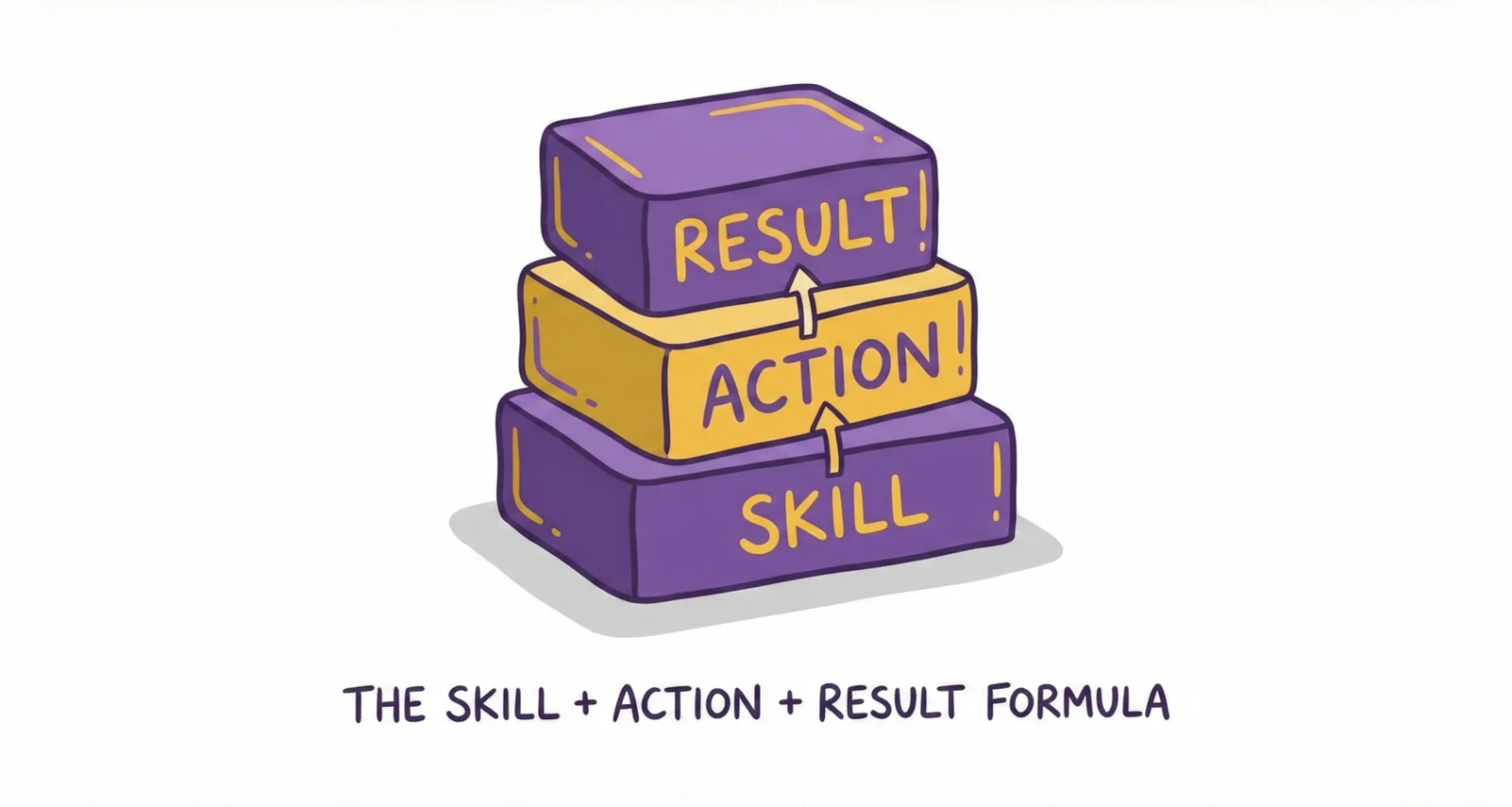
Compare the difference in impact:
| Approach | Example Text | Why It Works/Fails |
|---|---|---|
| Weak (Keyword Stuffing) | "Skills: Sales, CRM, Negotiation, Closing." | Robot sees match; Human sees a generic list with zero proof of competence. |
| Optimised (Contextual) | "Spearheaded a regional sales initiative using CRM analytics to identify leads, utilizing negotiation tactics to close $500k." | Robot sees match; Human sees specific, quantifiable value. |
In the second example, the keywords are present, but they are anchored by data and action. The ATS sees the match; the human sees the competence.
The "Robot vs. Human" Readability Test
A simple rule of thumb for application tuning: read your bullet points aloud. If you stumble or sound like you're reading a dictionary, you've over-optimised. Your CV must pass the "Robot" test (keywords) but win the "Human" test (flow). If a recruiter can't scan your document in 6 seconds and grasp your value, the keyword score won't save you.
Step-by-Step Guide to Natural ATS CV Optimisation
Ready to optimise your CV without losing your voice? Follow this four-step framework.
1. Audit Your Job Description (Identifying the "Ask")
Before you write a single word, act like a detective. Read the job description specifically to find repeated terms. Are they asking for "Customer Success" or "Client Support"? Do they emphasize "Agile" or "Waterfall"? Highlight the top 5-10 requirements that appear in the "Responsibilities" and "Qualifications" sections. These are your non-negotiables.
2. Map Keywords to Experiences
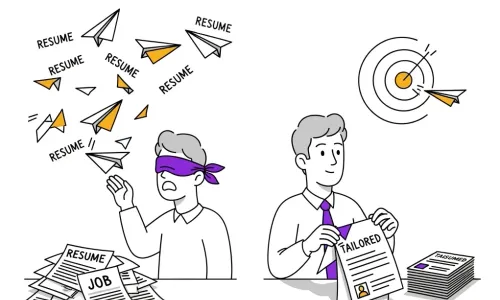
Don't just force these words into your summary. Look at your past roles. Where did you actually use "Agile" methodology? Go to that specific bullet point and rewrite it to include the term naturally. This is what we mean by creating a targeted CV that gets interviews-aligning your history with their future needs.
3. Use Action Verbs that Score High
Weak verbs are the enemy of optimisation. Phrases like "Responsible for" or "Helped with" are passive and waste valuable space. Swap them for high-impact action verbs that drive momentum:
- Instead of "Helped increase revenue," use "Accelerated revenue growth."
- Instead of "Worked on a team," use "Collaborated with cross-functional groups."
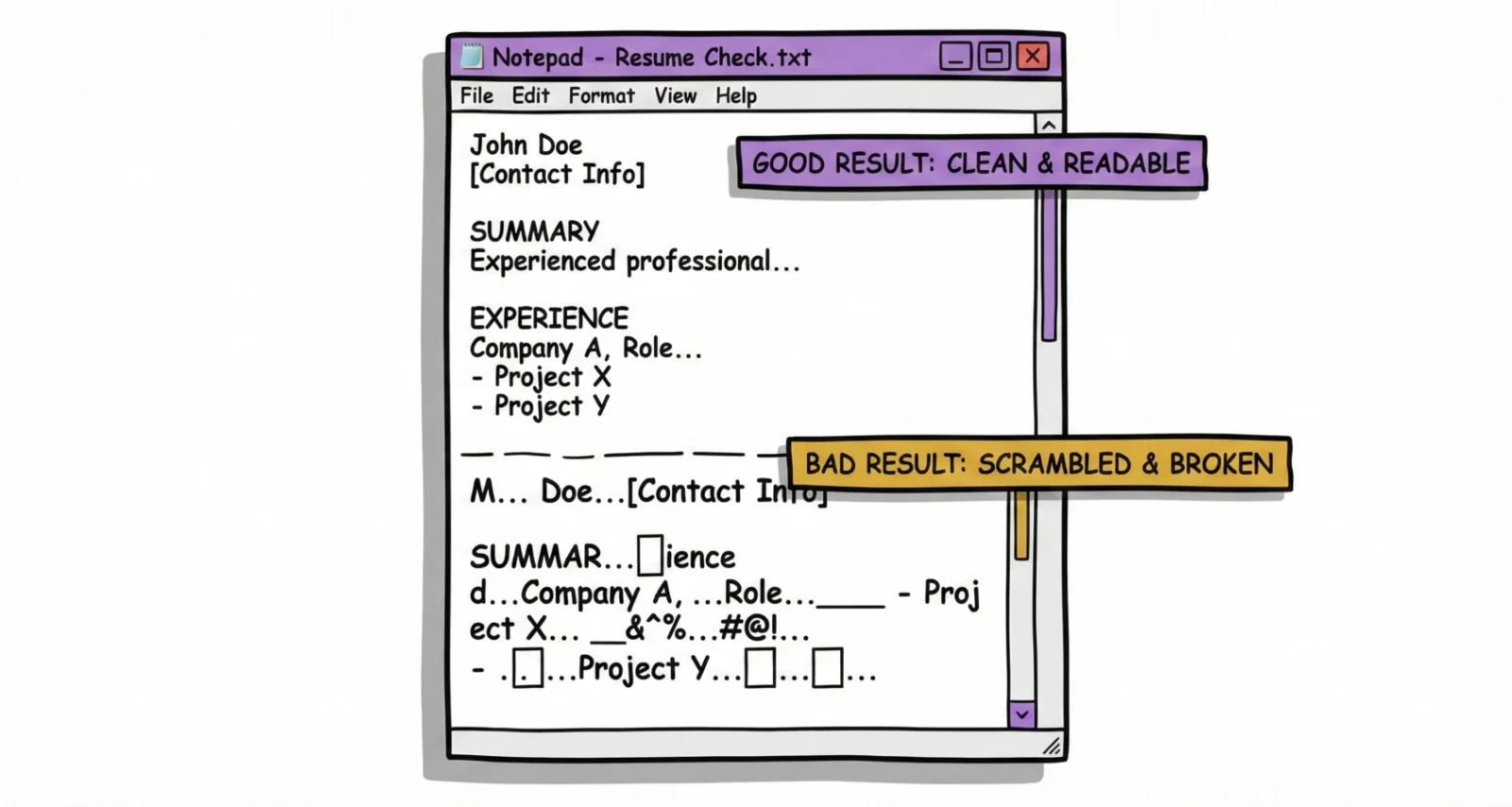
4. The "Notepad Test"
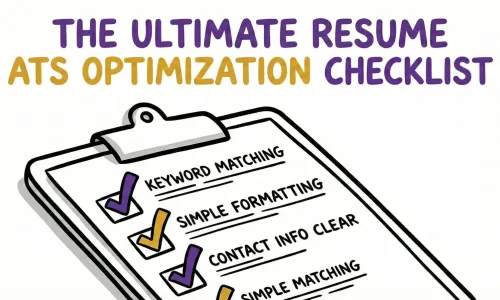
Fancy formatting often confuses ATS systems. Columns, icons, and text boxes can scramble the parsing order, turning your carefully crafted CV into a jumbled mess. To check your CV for ATS compatibility, copy all your text and paste it into a plain text editor (like Notepad).
- Does it look readable?
- Are the sections in the right order?
- Did any contact info disappear? If the text file looks clean, the ATS will read it correctly.
Common CV Optimisation Pitfalls (And How to Avoid Them)
Keyword Stuffing & White Fonting
There is a persistent myth that you can "beat" the system by pasting the entire job description into your CV footer and turning the text white. Do not do this. Modern ATS parsers automatically flag "invisible" text, and recruiters view this as dishonest. It’s an instant "No." Focus on legitimate keyword optimisation-placing terms where they belong visible to the human eye.
Over-formatting
While you want your CV to look professional, avoiding over-design is crucial for ATS optimisation. Graphics, logos, and rating bars (e.g., "5/5 stars in Photoshop") are often unreadable to parsers. Stick to standard fonts, clear headings, and simple bullet points to ensure your ATS score reflects your actual content.
Automating the CV Optimisation Process with Reztune
While avoiding these mistakes is critical, doing it manually for every single application is a massive time sink.
Why Manual CV Tailoring is Too Slow
Manually rewriting your CV for every single application is exhausting. It takes hours to analyze a job description, identify keywords, and rewrite bullet points. In a competitive market where speed matters, this bottleneck can cost you opportunities.
How Reztune Balances Keywords and Flow
This is where AI CV tools like Reztune change the game. Unlike basic keyword counters, Reztune uses a sophisticated pipeline of over 60 prompts to analyze both your background and the specific job posting.
It doesn't just swap words; it restructures your experience. If a job requires "Strategic Planning," Reztune finds the evidence in your history and rewrites the bullet point to highlight that skill contextually. It ensures you hit the relevant keywords without sounding like a bot.
Real Example: Before vs. After
- Original: "Made a new marketing plan for the team."
- Reztune Optimised: "Developed and executed a comprehensive marketing strategy that aligned with corporate objectives, resulting in a 15% increase in team productivity."
The tool handles the heavy lifting of CV writing, serving as a free AI CV rewriter that automatically formats the output into an ATS-friendly CV template ready to send.
FAQ: Quick Answers on CV Optimisation
How does an ATS CV scanner actually rank candidates?
An ATS CV scanner parses your document to identify specific skills, years of experience, and job titles that match the employer's database. It then assigns an ATS score or percentage match. If you score below a certain threshold (often 80%), your profile may never be seen by a human recruiter.
Do I need to optimise my cover letter for keywords too?
Yes, but prioritize your CV. While some systems scan the cover letter for keyword optimisation, its primary job is to tell your story and show personality. Ensure you include the exact job title and 2-3 core skills, but focus on readability and persuasion over raw density.
What is a good ATS score?
Generally, an ATS score of 80% or higher is considered "interview-ready." This indicates that your CV matches the vast majority of the job description requirements. You can check this using a free ats CV checker or Reztune’s built-in scoring tool.
Can I just use a fancy CV template?
Be cautious. Many graphic-heavy templates use text boxes or layers that ATS filters cannot read. It is safer to use a clean, standard ATS-friendly CV format. If you want a visual version for networking, keep it separate from the one you submit online.
Should I send a PDF or Word doc?
Unless the application portal specifically requests a Word document, PDF is usually preferred to preserve formatting. However, ensure it is a text-based PDF, not an image-based one, so the CV scanner can read the text.
Write for the Job, Optimise for the System
The goal of CV optimisation isn't to trick a computer; it's to make sure your value isn't lost in translation. By focusing on semantic context, natural integration of keywords, and clean formatting, you ensure that the ATS opens the door-and your actual experience walks through it.
Don't let the technicalities slow you down. Tailor your CV smarter, not harder.
Ready to beat the bots? Stop guessing which keywords matter. Use Reztune’s AI to analyze the job description and rewrite your CV naturally. Try it for free today and turn those rejections into interviews.